Platform Note
Creating a Vercel account is done entirely online through your web browser.
These steps are identical regardless of whether you’re using Windows, macOS, or Linux.
1

2
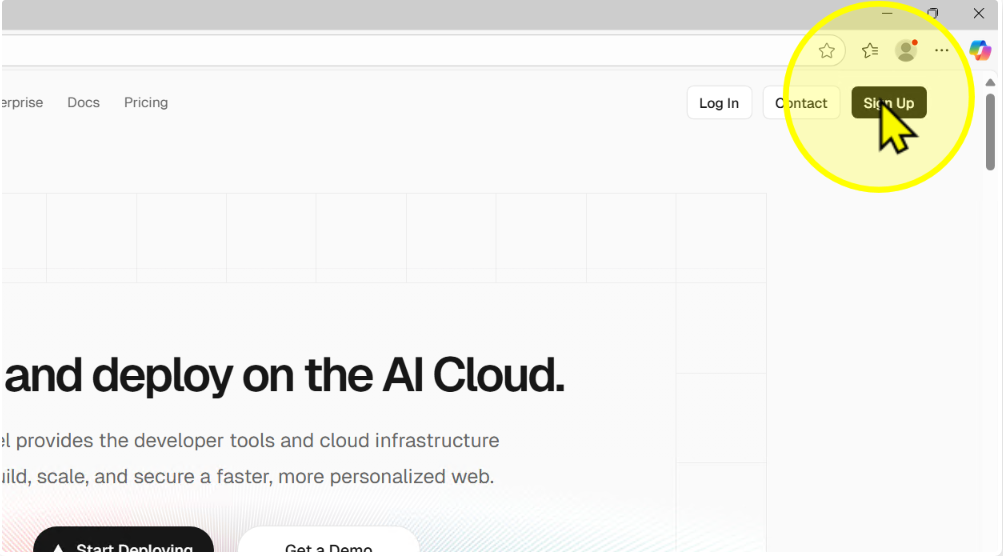
Click 'Sign Up'
Click the Sign Up button on the top right.
Step 2
3
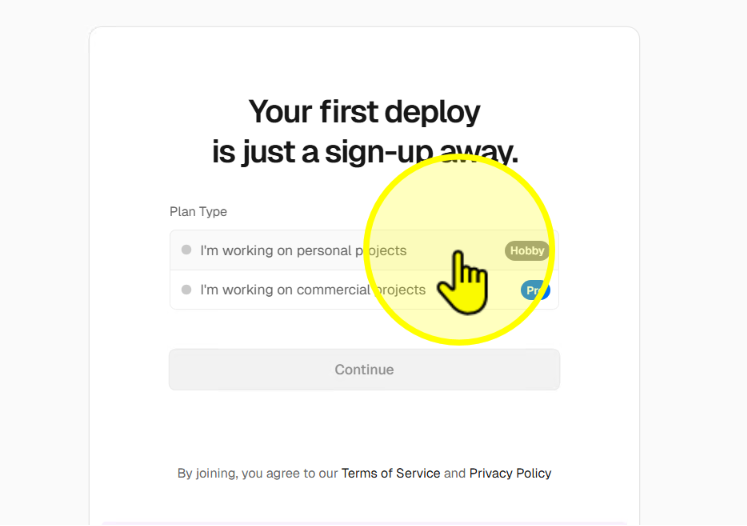
Select 'Hobby' plan
Choose the free Hobby plan to continue.
Step 3
4
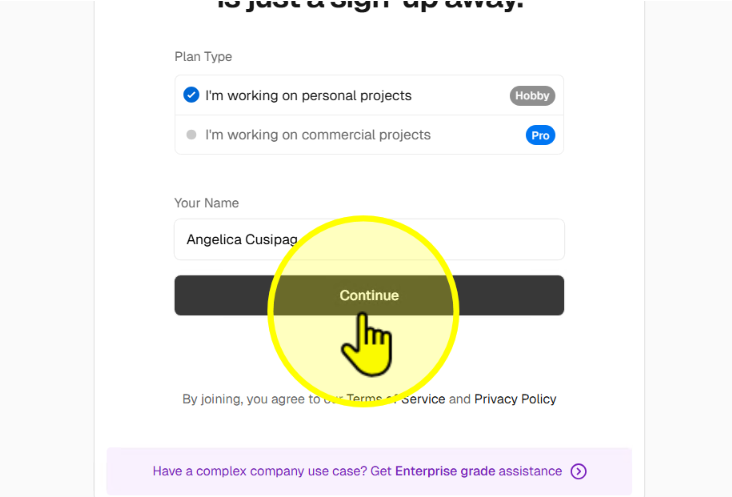
Enter your full name and click 'Continue'
Type your full name and click Continue.
Step 4
5
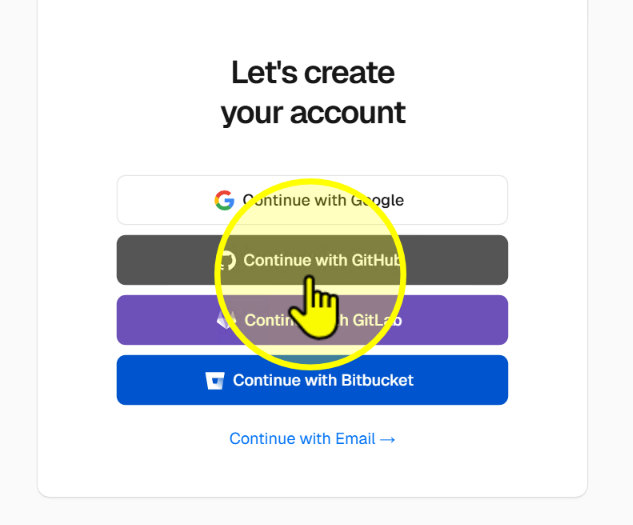
Click 'Continue with GitHub'
Choose Continue with GitHub to link your GitHub account.
Step 5
6
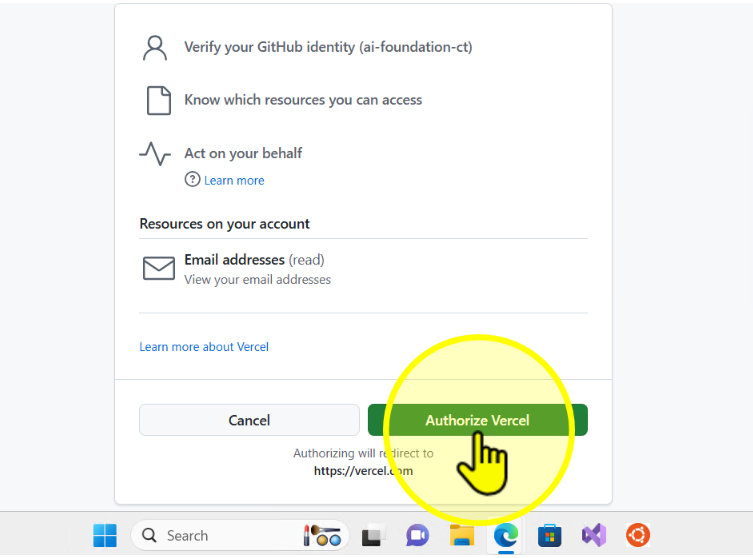
Authorize Vercel with GitHub
Click Authorize Vercel when prompted to allow access.
Step 6