Platform Note
Creating a GitHub account is done entirely online through your web browser. These steps are identical regardless of whether you’re using Windows, macOS, or Linux.
Create Your GitHub Account
1

2
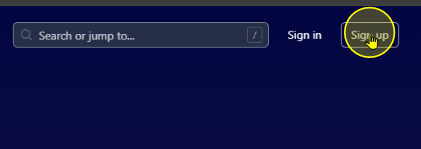
Click 'Sign Up'
On the top-right corner, click Sign Up.
Step 2
3
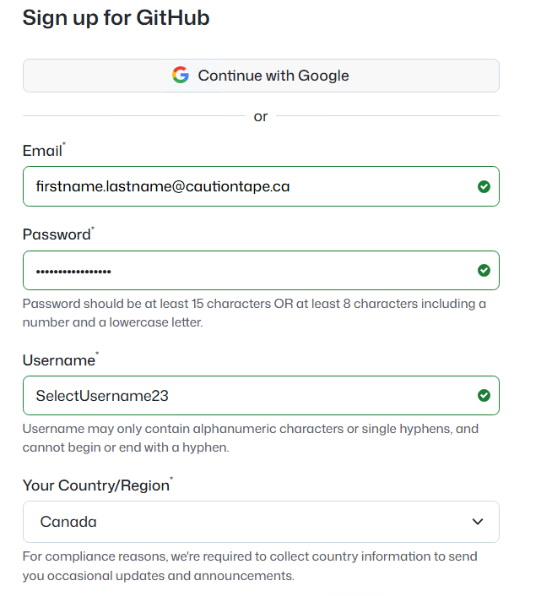
Fill in your information
Enter your email, username, and password into the fields provided.
Step 3
4
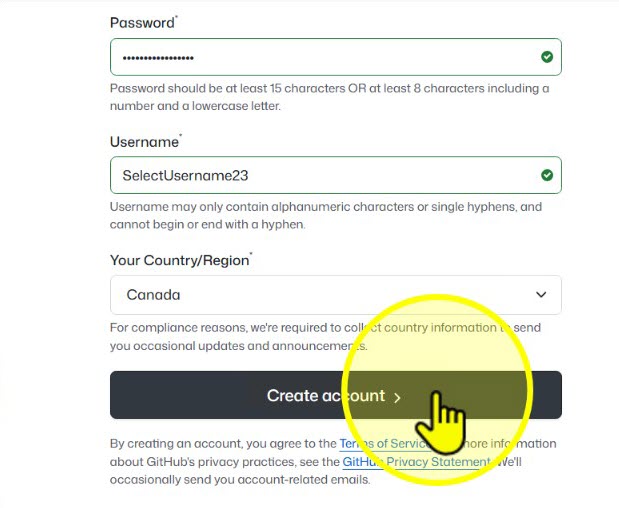
Click 'Create account'
After filling in your details, click Create account.
Step 4
5
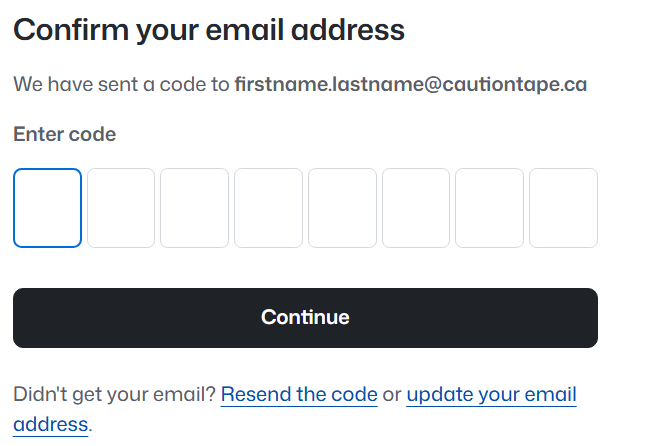
Confirm your email address
Open your email inbox, find the verification message from GitHub, and click the confirmation link.
Step 5
6
Log in with your new account
After confirming your email, return to GitHub. You’ll see the login screen — log in with your new credentials.
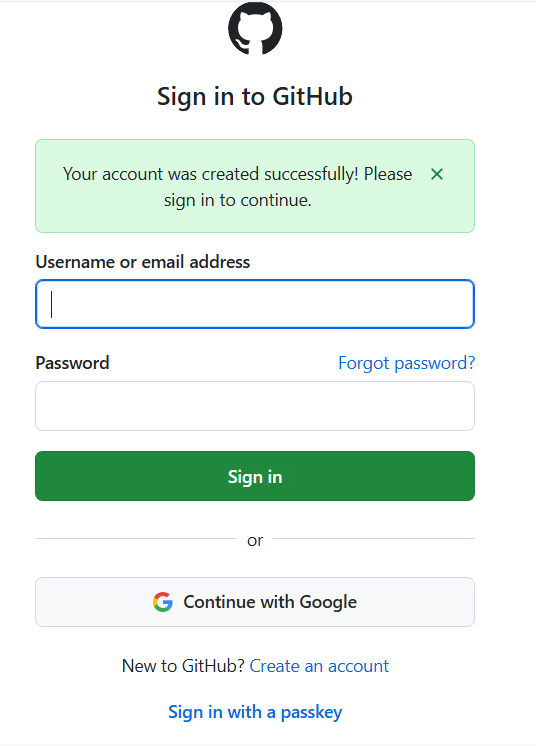
Step 6